Zoho Consultant in Brisbane: Set Up, Connect and Automate Your Business
We set up Zoho around the way your business runs. Our Brisbane team configures Zoho CRM and Zoho Books, connects your other tools, and automates repeat work, so sales, finance and service share one system instead of spreadsheets.
- 7Core services
- 55+Zoho One apps
- QLDBrisbane office
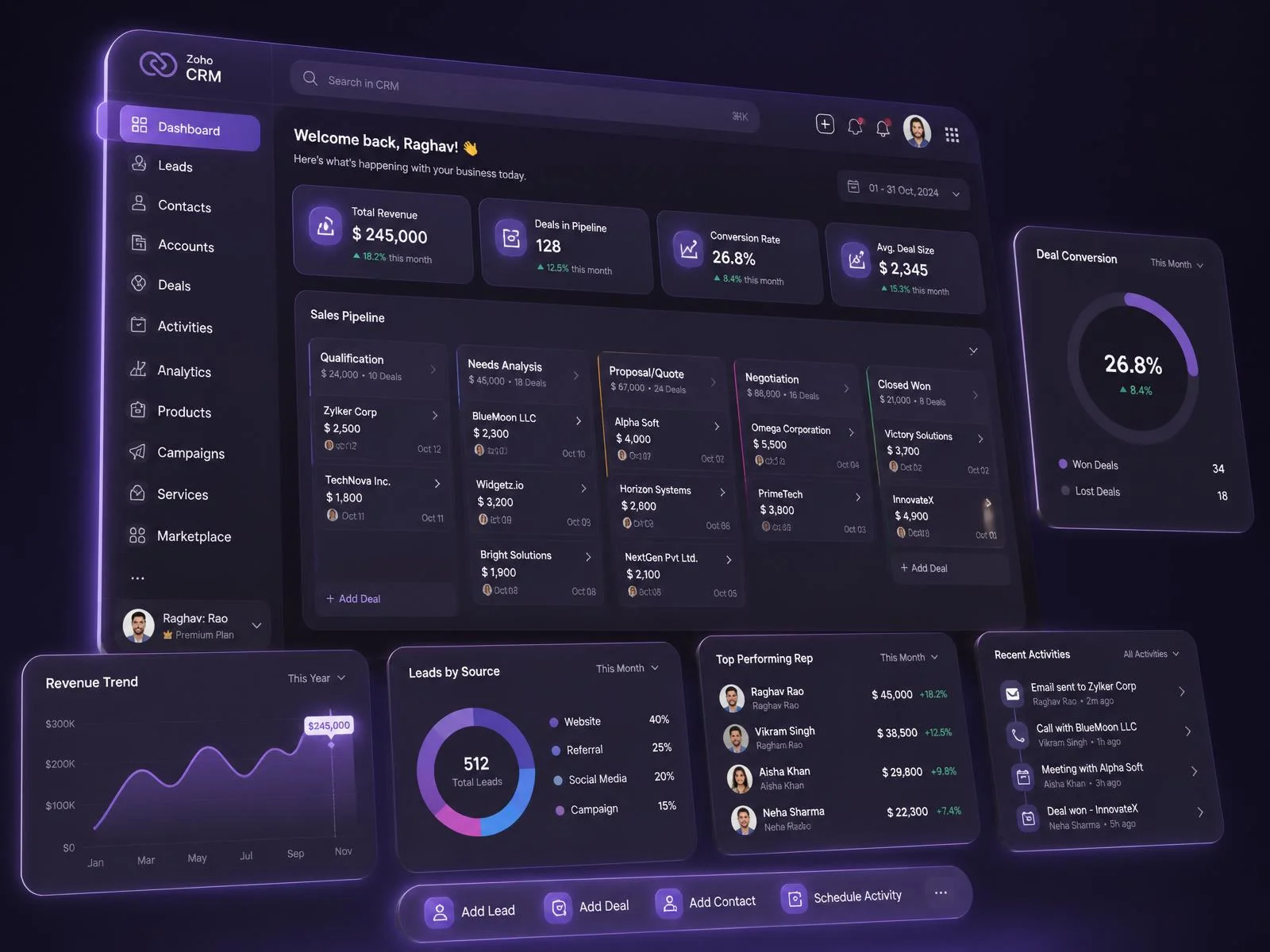
What Does a Zoho Consultant Do?
A Zoho consultant studies how your business runs, then sets up the right Zoho apps to match. The work covers modules, fields, layouts, pipelines, Blueprint workflows, integrations, data migration and reporting. Most projects also include team training and ongoing support.
You can hire a consultant for a full Zoho implementation, or for a single problem, such as an inherited setup nobody understands, or Zoho apps that don't share data.
Why Your Business Needs a Zoho Consultant
A Zoho licence doesn't remove manual admin. Configuration does. Teams often buy Zoho CRM or Zoho One, switch on a few apps, and keep working from spreadsheets because nobody connected the pieces.
Signs your Zoho setup needs work
- Staff move data between spreadsheets and Zoho by hand
- Leads sit untouched because no workflow sends reminders
- The same customer record lives in two or three systems
- Nobody can pull a report that answers a real business question
What a Zoho consultant does about it
- Maps how your business runs before changing a single setting
- Chooses the Zoho apps you need (CRM, Books, Desk, Projects, Analytics, Creator, or a mix) and skips the ones you don't
- Builds Blueprint workflows and automation rules, so repetitive tasks stop landing on someone's desk
- Adds a custom module or Deluge script only when standard configuration can't do the job
The Zoho Apps We Set Up for Brisbane Businesses
Zoho has more than 15 apps. Most businesses need four or five of them, connected properly. Pick a category to see what each app does and how we configure it.
Zoho CRM
Tracks leads, contacts, deals and pipelines in one place. We set up your modules, layouts, Blueprint stages and follow-up automation, and connect it to Zoho Books, Google Workspace or Microsoft 365.
Bigin
A lighter, pipeline-first CRM for small teams. It suits businesses that outgrew spreadsheets but don't need the full Zoho CRM feature set yet.
SalesIQ
Adds live chat, visitor tracking and chatbots to your website. Visitor activity feeds straight into Zoho CRM, so reps see which pages a lead viewed before they call.
Zoho Books
Handles invoicing, bank reconciliation and financial reporting, including GST and BAS reporting for Australian businesses. It connects to Zoho CRM, so sales and accounts share one customer record.
Zoho Inventory
Tracks stock, purchase orders and fulfilment across locations. It syncs with Shopify, Amazon and eBay, and posts sales and stock movements to Zoho Books.
Zoho Billing
Runs subscriptions and recurring invoices, including plan changes, prorated charges and failed-payment retries. It suits service and software businesses that bill on a schedule.
Zoho Expense
Lets staff photograph receipts and submit claims from their phones, then routes them for approval and syncs approved spend to Zoho Books.
Zoho Campaigns
Sends email campaigns to segments built from your CRM data. We set up consent, opt-in and unsubscribe handling to match the Spam Act 2003.
Zoho Marketing Automation
Runs multi-step journeys across email, SMS and web behaviour, and scores leads so marketing hands sales-ready contacts to Zoho CRM.
Zoho Forms
Builds enquiry forms, registrations and surveys with conditional logic and e-signatures. Submissions create CRM records without anyone re-typing them.
Zoho Desk
Manages support tickets from email, phone, chat and social channels. It routes tickets, tracks SLAs, and shows agents the customer's CRM history.
Zoho FSM
Manages field service work: jobs, technician dispatch, scheduling and mobile updates. Completed jobs pass to Zoho Books for invoicing.
Zoho Projects
Plans tasks, milestones and timelines with Gantt charts and kanban boards. Logged hours flow into Zoho Books for project invoicing.
Zoho People
Keeps employee records, leave, attendance and performance reviews in one system, with onboarding workflows for new starters.
Zoho Flow
Connects Zoho apps to 900+ other apps with no-code triggers and actions. We use it to link systems that have no native connector.
Zoho Creator
A low-code platform for custom business apps. We build it when your process doesn't fit standard modules, such as job intake, approvals or inspections.
Zoho Analytics
Builds dashboards and reports from Zoho apps, databases and spreadsheets. We model the data so reports show revenue, margin and pipeline, not just activity.
No apps in this category.
Need an app that isn't listed here? Ask us. We'll tell you if Zoho covers it or if another tool fits better.
Zoho Support for Brisbane and Queensland Businesses
An Australian Zoho setup needs local settings that generic implementations skip. We configure them from the start, so you don't fix tax, consent or reporting problems later.
Our Brisbane office sits at Brisbane Technology Park in Eight Mile Plains. We support teams across Brisbane and South East Queensland, and we work with remote teams elsewhere in Australia.
We also deliver CRM projects in construction, healthcare, education and retail. See examples on our success stories page. Comparing platforms? We also work with HubSpot.
What we set up for Australian teams
- Zoho Books with GST and BAS reporting, in Australian dollars
- Accounting data moved across from Xero, MYOB or QuickBooks
- Consent, opt-in and unsubscribe settings in Zoho Campaigns that follow the Spam Act 2003
- Contact data handling that respects the Privacy Act 1988 and the Australian Privacy Principles
- Australian time zones, phone formats and address fields
Why Brisbane Businesses Choose Our Zoho Consultants
Check our track record before you decide. Read our success stories, and ask us for references that match your industry.
We deliver Zoho projects end to end
TechImplement delivers Zoho CRM, finance, integration and custom development projects for small teams and for organisations that run across several sites. Configuration, migration and bespoke development all come from one team.
We measure results you can check
A Zoho project should cut manual data entry, give you clear pipeline visibility, connect systems that don't talk, or fix broken reporting. We agree on those outcomes on the first call and test against them at go-live.
Training is part of the project
Requirements gathering, user testing and training run from day one, and we don't quote them as extras after the build. Your team's ability to use the system decides whether the project works, so we plan for it from the start.
How We Help Businesses Succeed With Zoho
We offer seven services and scope each one separately, so you pay for what you need. Each one targets a point where Zoho projects commonly go wrong.
Implementation
We set up your Zoho apps around your process: modules, fields, layouts, pipelines, roles and permissions. You start with a working system, not a blank one.
Data migration
Moving from another CRM, Xero, MYOB, QuickBooks or spreadsheets? We audit, deduplicate, map and validate your data before import, so nothing goes missing or arrives twice.
Integration
We connect Zoho apps to each other and to the tools outside Zoho you rely on. Records stay consistent without anyone typing them twice. See our CRM consulting work.
Customisation
We build custom modules, functions, approvals and Zoho Creator apps for the parts of your business that standard configuration can't cover.
Automation and AI
We use Blueprint, workflow rules, Zoho Flow and Zia, Zoho's AI assistant, to remove repeat tasks such as lead assignment, reminders and approvals. Explore our AI services.
Audit and rescue
We review an existing Zoho account end to end and fix what's broken first. You get a prioritised list instead of a full rebuild.
Training and support
We run hands-on sessions for each role, write the documentation, and support your team as your processes and staff change.
How Much Does Zoho Consulting Cost in Brisbane?
The price depends on scope, so we quote each project in writing after the paid consultation. You receive a fixed scope, timeline and cost, and we don't add work without your approval.
Zoho licence fees are separate from our consulting fees. They depend on the plan and the number of users, and we recommend the smallest plan that fits your process.
Five things that move the price most
- How many Zoho apps you set up
- Whether your tools connect natively, through Zoho Flow or by custom API
- The size and source of the data you migrate
- Custom modules, Deluge scripts or Zoho Creator apps
- How much training and support your team needs
Get Your Zoho Setup Right the First Time
Tell us how your business runs today. We'll recommend the Zoho apps you need, show you what has to be connected, and give you a plan your team can follow from day one.
Book Discovery CallOur Zoho Process: From First Session to Ongoing Support
Six steps take you from first conversation to a live system. We agree on the scope in writing before the build starts, so nothing gets "discovered" halfway through.
Paid consultation
We map how your business runs and decide which Zoho apps you need. You keep the written plan, whether or not you build with us.
Scoping
We define the apps, integrations and deliverables in writing, with a timeline and cost you can hold us to.
Build
We configure the apps, workflows, integrations and migration to the agreed scope. Nothing outside it happens without your approval.
Testing
Your team runs user acceptance testing, and a named person signs it off before anything goes live.
Training and go-live
Each role learns the workflows built for its job, on your own data. Then we switch you over.
Ongoing support
You know the price and scope upfront, so help is there when you need it and never arrives as a surprise invoice.
How to Choose a Zoho Consultant in Brisbane: 8 Questions to Ask
Ask these questions of any Zoho consultant, including us. The answers show whether you'll get a setup built for your business or a template.
Do they map your process before they propose any apps?
A good consultant asks how your business runs before naming a single Zoho app. If the first meeting is a product demo, no discovery has happened, and you will get a template setup.
Can they name the apps and modules they will configure for you?
A consultant who understands your needs can say which apps apply (CRM, Books, Desk, Projects, Flow, Analytics or Creator) and why. A vague answer means they haven't finished listening.
What is in scope, and what is excluded?
Get scope and exclusions in writing before you sign. Unclear scope is where surprise costs and missed deadlines start.
How do they migrate, clean and validate your data?
Ask how they audit records, remove duplicates, map fields and check the import. A consultant who can't walk you through the process puts your data at risk.
Which of your systems connect natively, through Zoho Flow, or need custom API work?
Accounting, ecommerce, marketing and ERP tools connect in different ways. Settle this early, because it changes both cost and timeline.
How do they test the setup before go-live?
Ask for user acceptance testing with a named person from your team signing it off. Skip it, and problems appear after your staff already depend on the system.
What does the training look like?
Training should follow each role's real workflows. A general tour of the platform doesn't teach anyone the steps built for their job.
What does support cost after launch, and how fast do they respond?
Agree support pricing and response times in writing before go-live. Support nobody scoped upfront tends to arrive as an ad hoc invoice at a higher rate.