Why Microsoft Copilot Is a Game-Changer for Finance
Learn how Microsoft Copilot transforms finance teams by automating analysis, speeding up reporting, and delivering smarter insights in Excel, Outlook, and Teams.
Contact Us
Finance teams are expected to deliver faster insights, maintain accuracy, and support strategic decisions often with limited time and growing data complexity. Manual processes, disconnected systems, and repetitive tasks still slow finance down. Microsoft Copilot addresses these challenges by bringing intelligence directly into everyday finance work, changing how finance teams operate.
What Is Copilot for Finance?
Copilot for Finance is an AI-powered assistant built into Microsoft 365 applications that finance professionals already use, such as Excel, Outlook, and Teams. It helps finance teams analyze data, prepare reports, manage communication, and access insights using simple, natural language prompts.
Rather than replacing finance systems or professionals, this solution works alongside existing tools and processes. It supports finance teams by reducing manual effort, improving clarity in financial data, and enabling faster, more informed decision-making.
6 Key Features You Should Know About
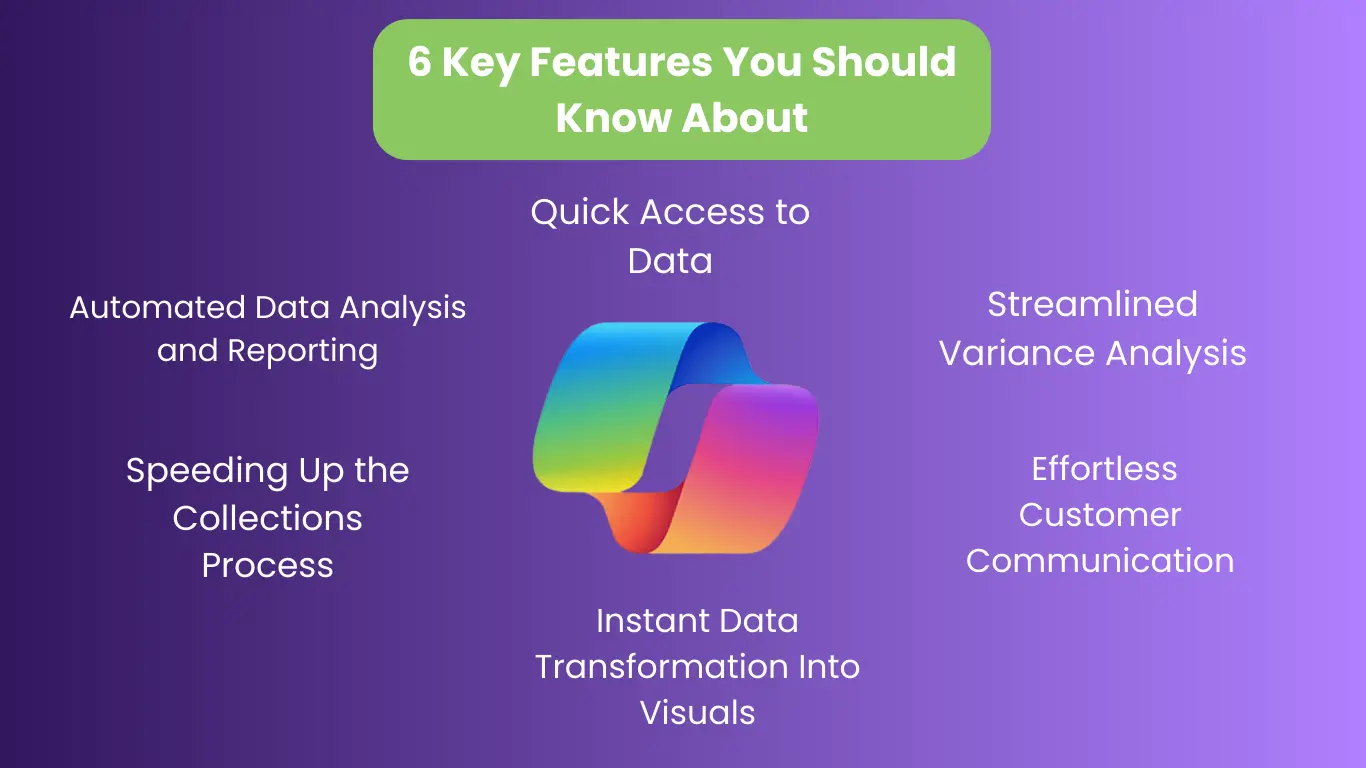
1. Automated Data Analysis and Reporting
This AI assistant helps finance teams quickly analyze large volumes of financial data without complex formulas or manual calculations. Users can request summaries, comparisons, or insights, and the tool generates clear, structured outputs that support reporting and reviews.
2. Streamlined Variance Analysis
Identifying and explaining variances is a core finance responsibility but often time-consuming. The system highlights unusual changes in financial data and provides context to help teams understand what may have caused those shifts, reducing the time spent searching for explanations.
3. Speeding Up the Collections Process
This technology supports collections teams by summarizing customer payment history, outstanding balances, and follow-up priorities. It also assists with drafting clear and professional communication, helping teams manage collections more efficiently and consistently.
4. Instant Data Transformation Into Visuals
Communicating financial insights requires clear visuals. The assistant can transform raw financial data into charts, summaries, and presentation-ready visuals, making it easier for finance teams to explain performance and trends to stakeholders.
5. Effortless Customer Communication
Finance teams regularly communicate with customers, vendors, and internal stakeholders. The tool helps draft accurate, professional messages based on financial context, reducing manual effort while maintaining clarity and consistency.
6. Quick Access to Data
Instead of searching through multiple files or systems, users can ask the assistant direct questions about financial data. It retrieves relevant information quickly, helping finance teams respond faster to requests and make timely decisions.
Benefits of Using Copilot in Finance
Time Savings, Reduced Errors, and Improved Insights
By automating repetitive tasks and simplifying analysis, this solution helps finance teams save time and reduce the risk of manual errors. Faster access to insights enables better planning, forecasting, and decision-making.
Real-World Examples of Improved Financial Operations
Organizations using this technology report shorter reporting cycles, improved collaboration, and better visibility into financial performance. Finance teams are able to focus more on analysis and strategy rather than data preparation.
How to Use Microsoft 365 Copilot for Finance
Copilot is used directly within Microsoft 365 applications. Finance professionals interact with it by entering natural language prompts, such as asking for summaries, explanations, or comparisons. The system processes the request and delivers results within the same application, keeping workflows simple and efficient.
It can also connect with enterprise finance systems, allowing teams to work with financial data without switching platforms.
How to Use It
In Excel
In Outlook
In Teams
Availability and Pricing
Subscription Plans and Licensing Requirements
Access to this solution requires a Microsoft 365 Copilot license along with an eligible plan. Licensing is typically user-based and designed for business and enterprise environments.
Regions or Platforms Where It Can Be Used
The tool is available in supported Microsoft 365 regions, with ongoing expansion into additional markets and platforms.
Limitations and Considerations
Is Copilot a Good Financial App?
This is a strong support tool for finance teams, but it does not replace financial systems or professional judgment. Outputs should always be reviewed, especially for critical financial decisions.
Pros and Cons Summary
Pros
Cons
User Reviews and Expert Opinions
Finance professionals value this solution for its efficiency and ease of use. Experts recommend using it as an assistant to enhance productivity, not as a standalone finance solution.
Recommendations Based on Company Size and Finance Needs
This technology is well-suited for mid-to-large organizations managing complex finance operations. Smaller teams may benefit most when the tool is used for reporting, analysis, and communication support.
Accelerate financial impact with expert guidance from Tech Implement
Managing finance teams and their processes can be challenging, but with Copilot from Microsoft, treasury analysts and other professionals can easily develop smarter strategies, enhance capabilities, and boost productivity. By turning workflows into more efficient systems, actionable insights and expert guidance help teams spot opportunities for growth, align strategies with the business model, and accelerate impact. From analysis to support, recommendations make it simple to handle every task, explore new possibilities, and drive real results, with questions directed to info@techimplement.com for expert consulting.
FAQs

Yes, this AI assistant for Finance is available through Microsoft 365 licensing with a gradual rollout across regions. Your organization needs an active subscription and an eligible enterprise plan. Contact your IT administrator to verify availability in your region.
This AI assistant automates data analysis, variance explanations, and report generation within Excel, Outlook, and Teams. It speeds up finance workflows using natural language commands instead of complex formulas. This allows professionals to focus on strategic planning and decision-making.
The system operates within Microsoft's enterprise security framework and respects existing access controls. Your data stays within your organization's tenant and isn't used to train AI models. It maintains SOC 2, ISO 27001, and GDPR compliance with full audit tracking.
No, this solution complements existing ERP and financial systems rather than replacing them. It automates routine tasks while core systems handle transactions and compliance. Think of it as an assistant enhancing productivity without replacing essential infrastructure.
The tool integrates with Excel for analysis, Outlook for communication, and Teams for collaboration. Finance professionals access AI assistance directly within their workflow without switching platforms. This native integration maintains current processes while adding intelligent automation.